

Both Yoast SEO and All in One SEO (AIOSEO) are excellent, powerful plugins that can significantly improve your WordPress site’s search engine visibility. However, they cater to slightly different types of users. The best choice for you in 2026 depends on whether you prioritize a gentle, guided approach to SEO or crave granular, technical control.
Here is a detailed comparison to help you decide.
🥊 Yoast SEO vs. All in One SEO: At a Glance
If you’re short on time, here is the executive summary. Yoast SEO acts like a friendly, real-time coach for your content, making it the go-to choice for beginners, bloggers, and those who want to improve their writing for both SEO and readability . All in One SEO is a powerful toolkit for those who want to configure every last detail, making it a strong contender for developers, agencies, and tech-savvy site owners who prefer a “set it and forget it” philosophy .
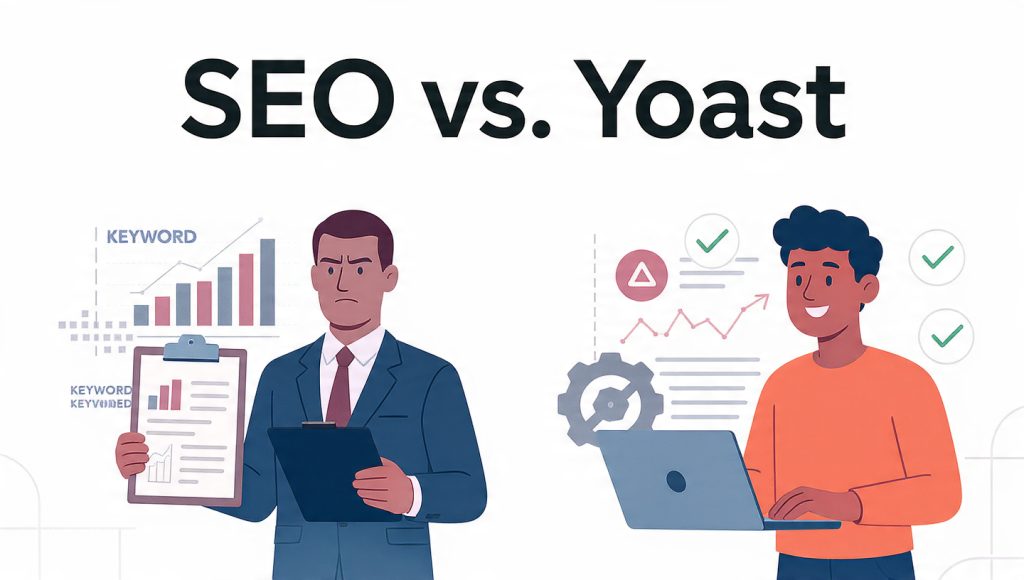
🧐 Deep Dive: How to Choose the Right Plugin for You
Still unsure? Let’s break it down by the type of website owner you are.
Choose Yoast SEO if you are a Blogger, Content Creator, or Small Business Owner
If your primary goal is to write great content and you want a plugin that guides you without a steep learning curve, Yoast is your best bet.
- Your Personal Editor: The real-time readability and SEO analysis, with its iconic green, orange, and red bullets, tells you exactly what to improve as you write. It simplifies complex SEO decisions into actionable steps .
- Simplicity and Clarity: The interface is clean and inviting, not cluttered with technical jargon. It’s designed to make SEO feel accessible .
- Ecosystem and Support: Yoast is more than just a plugin; it’s an ecosystem with add-ons for Local SEO, Video SEO, News SEO, and even an Academy to help you learn . Plus, its huge user base means abundant community support and tutorials.
- Reliable Technical Foundation: It handles all the essential technical SEO behind the scenes—like XML sitemaps, canonical URLs, and basic schema—so you don’t have to think about it .
- Multi-Platform eCommerce: If you sell on both WordPress/WooCommerce and Shopify, Yoast’s dedicated Shopify app makes it a compelling choice for consistent SEO across platforms .
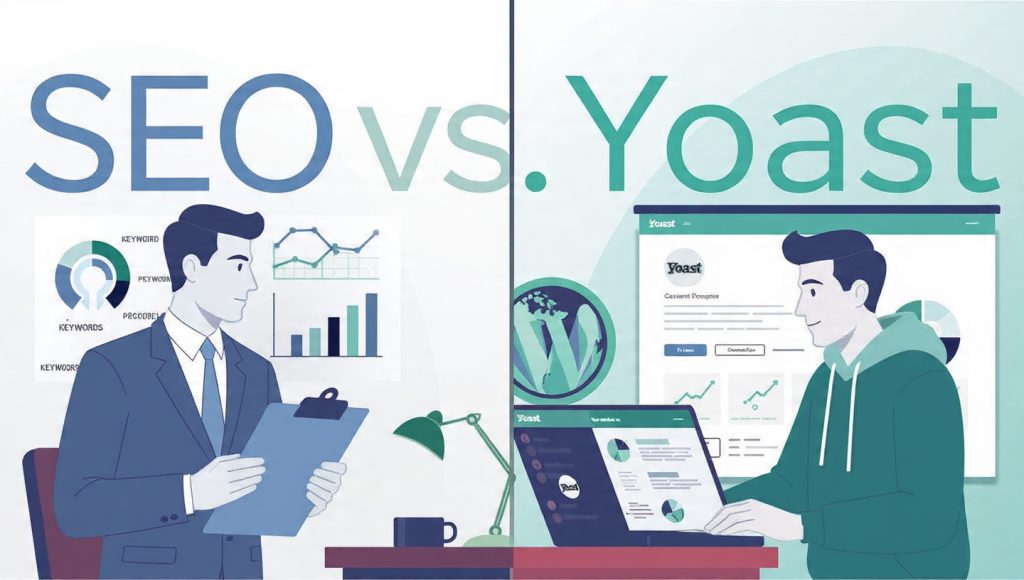
Choose All in One SEO if you are a Developer, Agency, or Tech-Savvy Site Owner
If you crave control, manage multiple client sites, or need to optimize for the cutting edge of AI search, AIOSEO offers powerful advantages.
- Unparalleled Control & Customization: AIOSEO is built for those who want to tweak every setting. Its advanced options for schema markup, redirects, and robots.txt configuration are top-tier . You can set global rules for schema and then override them per post, offering maximum flexibility .
- Optimized for the AI Search Era: A standout feature for 2026 is AIOSEO’s focus on Generative Engine Optimization (GEO) . Its “AI Keyword Reports” help you track how your brand appears in ChatGPT and other AI search results, a feature Yoast currently lacks .
- Streamlined for Agencies: With a tiered pricing model built for multiple sites and features like automated internal linking via its “Link Assistant,” it’s built for efficiency at scale .
- Superior Schema for Niche Sites: If you run a recipe blog, an event site, or a product-heavy store, AIOSEO’s support for 20+ detailed schema types gives you a significant edge in earning rich results .
- Developer-Friendly Speed: It can implement redirects at the server level (via
.htaccess), which is faster than the standard PHP-level redirects used by many other plugins .
💡 The Final Verdict
- For most users, especially beginners, bloggers, and content-focused site owners, Yoast SEO remains the best all-around WordPress SEO plugin . Its intuitive guidance, readability focus, and clear feedback loop make it easier to create content that ranks.
- For developers, agencies, and users who need granular control over technical SEO and want to stay ahead of the AI curve, All in One SEO is the more powerful choice . Its advanced customization, superior schema tools, and unique AI search features are unmatched.
Both plugins offer a free version, so you can install and test them yourself to see which interface feels more comfortable for your workflow.
I hope this detailed breakdown helps you make the right choice for your website. Which type of user resonated more with your own situation? Knowing that might help you feel even more confident in your decision.
 Previous Post
 Next Post