

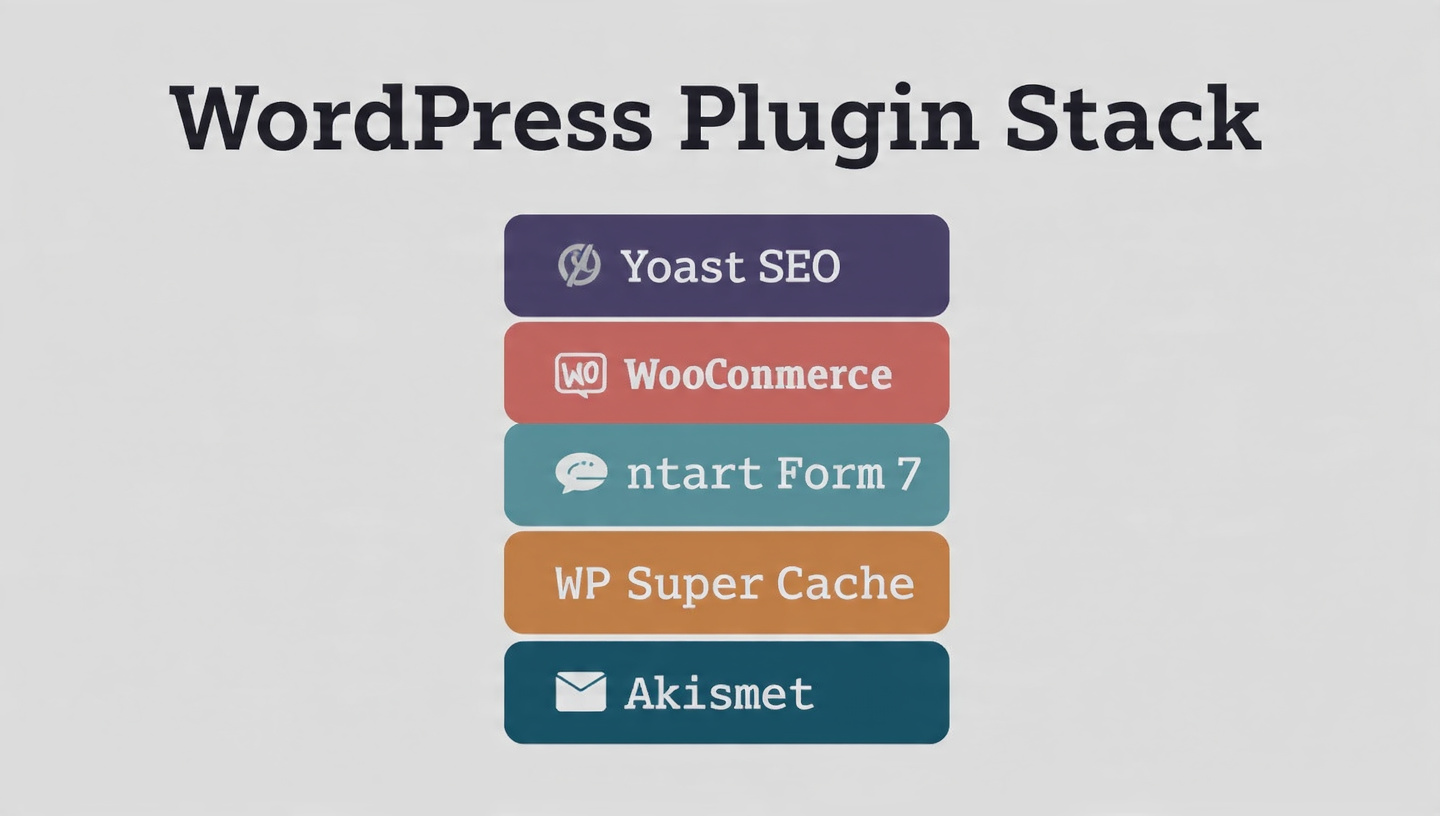
Building the ultimate WordPress plugin stack is like assembling the perfect toolkit—you need the right tool for every job. After analyzing the latest options for 2026, I’ve curated over 20 essential plugins across 8 critical categories that will transform your basic blog into a high-performance content machine .
🗺️ The Ultimate WordPress Plugin Stack at a Glance

🔍 Category 1: SEO & Analytics (Get Found on Google)
These plugins ensure your content is discoverable and you understand your audience.
🏆 Top SEO Plugin: Yoast SEO vs. Rank Math
My pick: If you want a guided coach, choose Yoast . If you want the most powerful free features, choose Rank Math .

Essential Analytics & Link Tools
⚡ Category 2: Speed & Performance (Lightning-Fast Loads)
Site speed is non-negotiable for SEO and user experience in 2026 .
Caching & Optimization
WPSpeed Note: The free version optimizes only your homepage. To unlock full site optimization, static HTML caching, and image conversion to WebP/AVIF, you need the Pro version .
Image Optimization
| Plugin | Best For | Key Feature |
|---|---|---|
| Image Optimizer by Elementor | Bulk image compression | Optimizes images on upload and in bulk |
🔒 Category 3: Security & Backups (Sleep Soundly)
Protect your hard work from threats and disasters.
VulnTitan Highlight: This 2026 standout offers a “security command center” dashboard with weekly executive digest emails showing firewall stats, login abuse summaries, and WAF detections .

🎨 Category 4: Design & Customization (Build Beautifully)
Create stunning layouts without touching code.
Page Builders
Content Blocks & Special Effects
📧 Category 5: Email Marketing (Build Your Audience)
Your email list is your most valuable asset.

📊 Category 6: Data & Tables (Display Information Beautifully)
| Plugin | Purpose | Key Feature |
|---|---|---|
| wpDataTables | Responsive tables & charts | Handles millions of rows, robust filtering/sorting, WooCommerce integration, multiple database connections |
🗺️ Category 7: Special Features (Booking, Maps & More)
📈 Category 8: Growth & Monetization (Make Money)
Rootabl Note: This lightweight plugin simply injects the Rootabl tracking script. It stores only your Business ID and removes all data upon deletion .
🏁 Building Your Stack: Where to Start
You don’t need every plugin at once. Here’s a progressive approach:
| Phase | Focus | Essential Plugins |
|---|---|---|
| Launch | Foundation | SEO plugin, caching plugin, security plugin, backup plugin |
| Grow | Engagement & Analytics | Email marketing, analytics, form builder |
| Scale | Design & Monetization | Page builder, affiliate tools, special features |
| Optimize | Advanced Performance | WPSpeed Pro, advanced caching, CDN |
The Non-Negotiable Core (Install These First)
- SEO: Yoast SEO or Rank Math
- Speed: WP Rocket or W3 Total Cache
- Security: Sucuri or Wordfence + UpdraftPlus for backups
- Analytics: MonsterInsights
💡 Pro Tips for 2026
- Less is more: Too many plugins slow your site. Only install what you need.
- Keep them updated: Outdated plugins are security risks. Enable auto-updates for critical ones.
- Test conflicts: When adding new plugins, test your site to ensure compatibility.
- Free versions are powerful: Start with free tiers; upgrade only when needed .
 Previous Post
 Next Post